Editing Patient Information
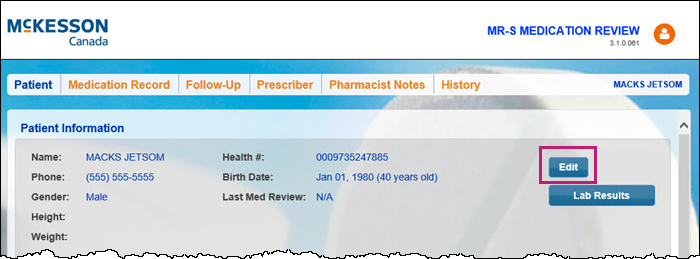
Patient demographic information can be edited using the Edit button the Patient tab. When updated in Patient Centre, this information is immediately updated in Nexxsys.
To edit patient information:
- In the medication review, select the Patient tab.
- In the Patient Information section, select Edit.
The Patient Information window appears.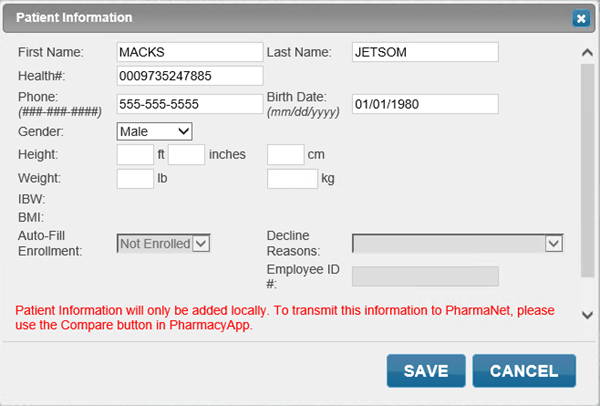
- Enter or edit information, if required. This information is immediately updated in Nexxsys but needs to be sent to PharmaNet manually.
- Select Save. The Patient Information window closes to the Patient tab. The patient's information is updated.